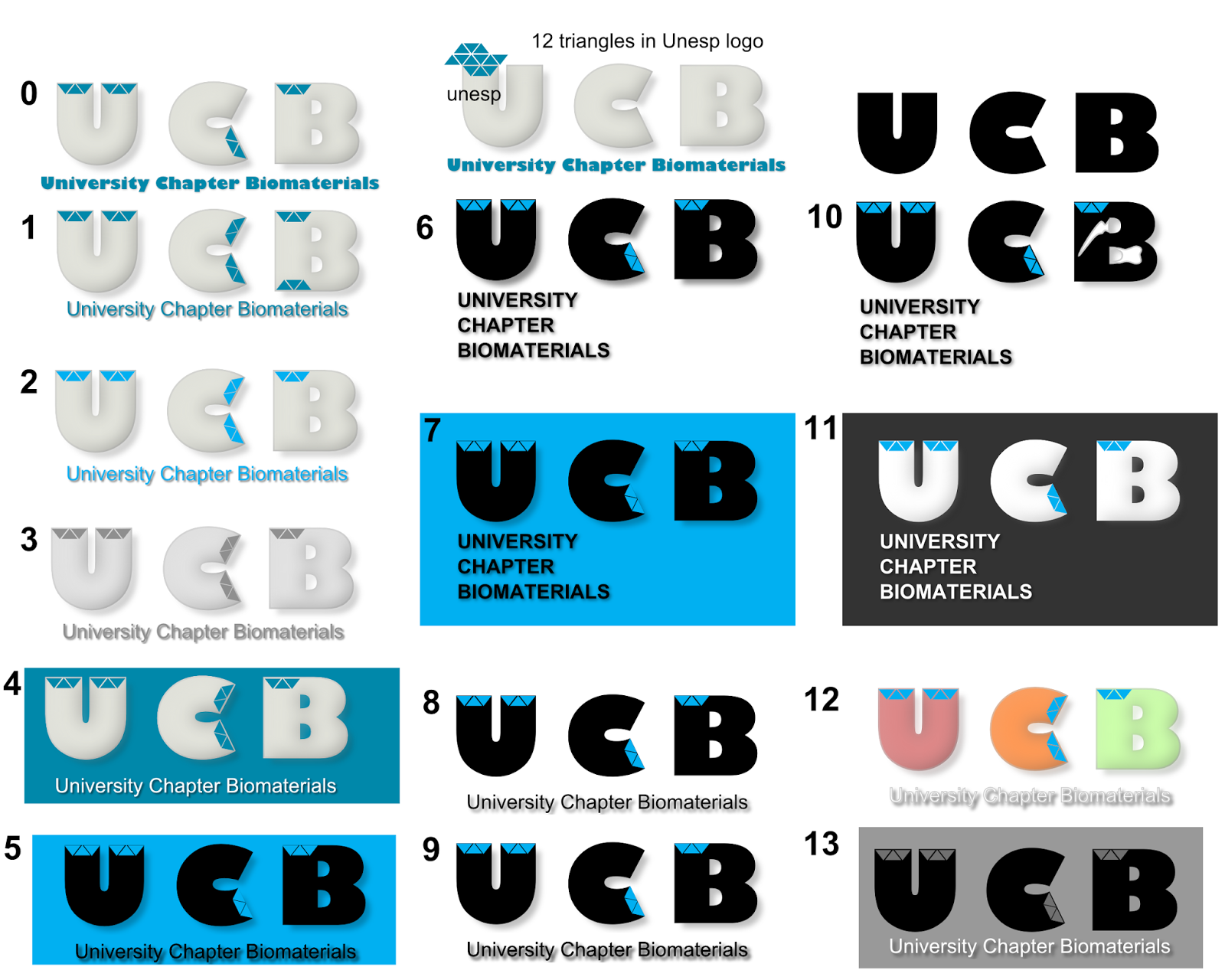
The following logo theme I prepared as a suggestion for the University Chapters Biomaterials, State Universities of Sao Paulo (Univ. Estadual Paulista).
I heard about G'MIC while watching some GIMP tutorials in youtube. Obviously the next aim was to install this amazing plug-in, which gives you 100+ effects to an image. Although my computer is a 64 bit one, I first installed the 32 bit installation from the G'MIC official download. Installation was straight forward, but later when I opened GIMP, it gave an error message saying 'libwinpthread-1.dll' is missing. Because of this, the G'MIC was not loading in GIMP. Then I also unzipped the dll files provided in the gmic_1.5.9.3_win64.zip
But no change in the error message. A similar problem was reported in Gimp Chat, by linuxito with a 64 bit windows 7 case.
With that solution I tried renaming the (copy of)'libpthread-2.dll', which was installed in the plugin folder. This solved the problem. I've made a video of the solution for clarity. Hope it helps someone.
This is just a small info, which might be useful for some of you.
There are many online shopping websites to send gifts to India, but are rare in which you can pay using PayPal. Ebay.in use something similar called PaisaPay (which is a subsidiary of PayPal, but not connected).
GiftstoIndia24x7 owned by Shaant.in network maintains a service website where you can send gifts to India and pay also using PayPal. Found it handy
Here is the link: www.giftstoindia24x7.com
Disclaimer: I've no personal interest with the above mentioned website/group. Just found it useful for myself, as I was not able to find many portals who accept paypal method for payments.
This post describes an easy method to solve the issue related to the 'display brightness auto-adjust' function in Windows 8 loaded Sony viao laptops.
The issue:
-The display brightness dims to 5% automatically within seconds, even if it is set to dim after 10 minutes.
-Changing/disabling the adaptive brighness in Windows 8 (as mentioned by howtogeek) could not solve the issue.
The solution (laptop used: Sony viao SVS1312 series):
1. Go to VIAO apps and click on the VIAO control center (if you are on the desktop, bring the cursor on the left-bottom corner for 'star' option where you can find the VIAO control center thumbnail)
2. In the VIAO control center, click on the 'Image Quality' menu and find the 'Display Brightness' option
3. Click on the 'Display Brightness' button from 'on' to 'off' (the green colour will change to grey)
That's it. Now you can adjust the screen brightness by clicking on the battery icon on the system tray and adjusting the values.
Write your comments if these steps did not work for you.
This post is an update of my earlier post, where I mentioned the issues associated with installation of Ubuntu to dual boot with Windows 8 pre-installed laptop (Sony Viao SVS1312).
After my previous attempt, as my Win8 was corrupted, leading to a completely new installation including data loss, I was bit disappointed about this secure boot and UEFI setup that microsoft arranged with the manufacturers. Especially Windows 8 pre-installed laptops, there was no way out to install any Linux distros which does not buy this 'secure boot signature' from Microsoft.
Finally I got some time to try once again, but this time I recorded the whole process and made a video out of it. Thanks to camstudio, audacity and virtualdub (opensource softwares) for wonderful help through these softwares.
See the video and share it. Make sure to back-up your windows 8 before any installation attempts. Please comment your results.
Some thoughts:
- Previously I was even failed in my attempt using Ubuntu 13.04 64 bit
DVD, which definitely has the secure boot+UEFI key in it. Now I suppose,
that could be since I had more than (or equal to) 4 primary partitions
already in my hard disk.
- Or I disabled the secureboot, before running
the 'boot-repair'.
- Or I simply messed up the manual partitioning in Ubuntu live mode.
I think it's a safe bet to,
- first shrink your current drive and make one block of free space in the hard disk (8 - 20 GB minimum) and let Ubuntu do the partitioning and installation automatically.